JPEG compression
Choose a visual quality level and compare the original size with the finished output. Lower JPEG quality generally produces a smaller file.
 CleanSlate
Get the app
CleanSlate
Get the app
Image compressor for macOS
Compress images, resize batches, and remove embedded location and camera metadata. Every file stays on your Mac.
macOS 14 or later
Apple silicon and Intel
Original1.8 MB
Output166 KB
Example result90% smaller
Focused by design
CleanSlate combines compression, resizing, format conversion, and metadata removal in one native Mac workflow. There are no upload queues, accounts, or hidden cloud steps.
Choose a visual quality level and compare the original size with the finished output. Lower JPEG quality generally produces a smaller file.
Rebuild the output without copying source EXIF, GPS, XMP, IPTC, camera details, maker notes, comments, or embedded thumbnails.
Add one image or a complete group. The selected quality, format, dimensions, and destination are applied consistently to every file.
Limit the longest edge to 1,200, 1,600, 2,400, or 3,840 pixels while keeping the image proportions intact.
How it works
Choose JPEG, PNG, HEIC, or TIFF files, or drag them into the app.
Set JPEG quality, format, optional dimensions, and where the new files should be saved.
CleanSlate creates new files, reports the size difference, and lists the metadata removed.
Local by design
Image processing happens on the device. Files are never sent to a CleanSlate server.
There is no registration, login, cloud library, or synchronization service.
The app contains no analytics, advertising, or third-party data collection SDKs.
Review the output size, percentage saved, metadata bytes removed, and detected source fields.
Supported formats
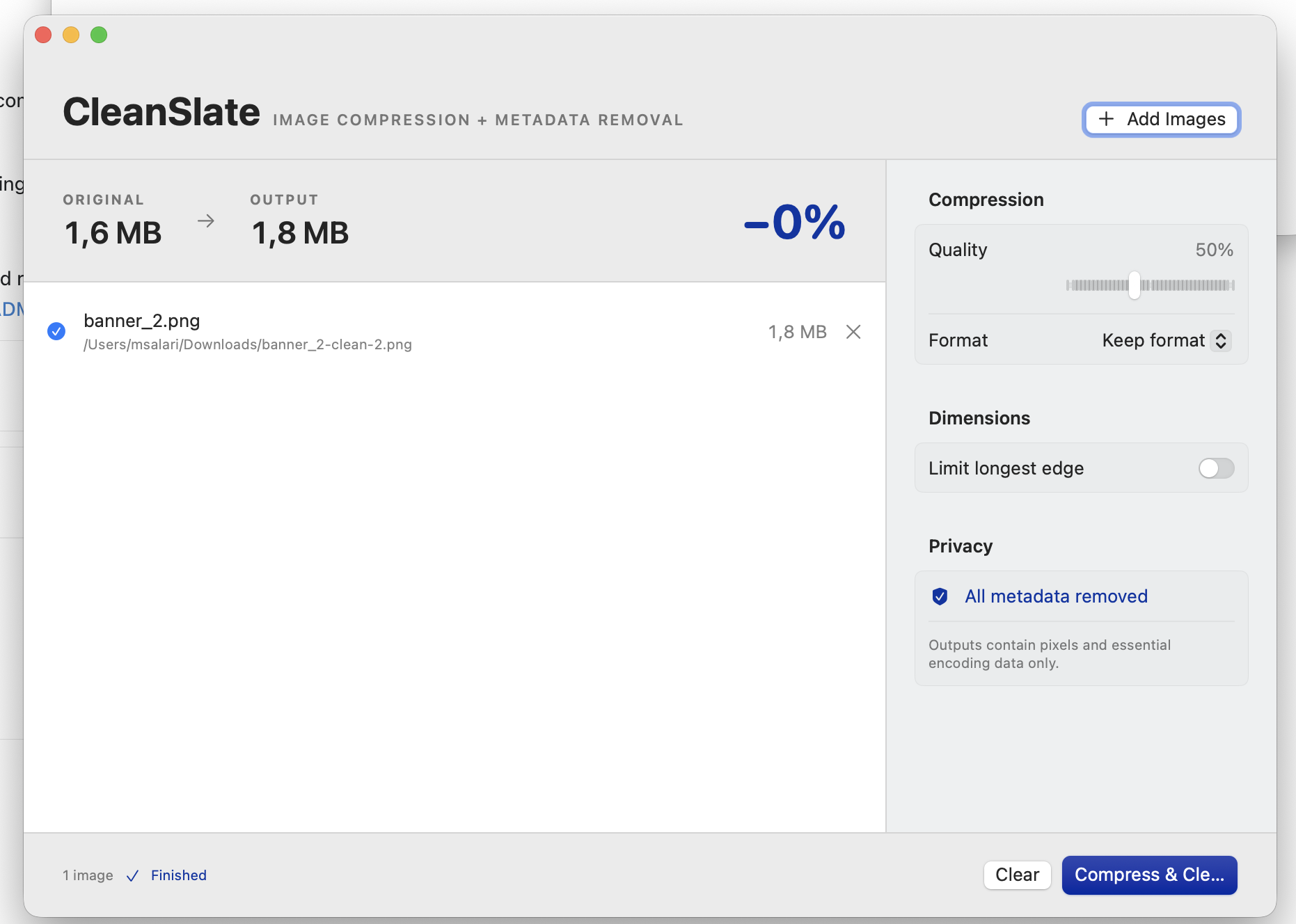
PNG is lossless, so PNG output is not guaranteed to be smaller. Choose JPEG when substantial file-size reduction is the priority.
Common questions
No. Image decoding, compression, resizing, and metadata removal happen locally on your Mac.
CleanSlate does not copy source EXIF, GPS, XMP, IPTC, camera details, maker notes, comments, or embedded thumbnails into the new image.
Yes. Add one file or many files and process the entire list with the same export settings.
Save each result beside its original with _compressed added to the name, or choose a separate output folder.
PNG uses lossless compression, and an already optimized PNG may grow when re-encoded. For smaller files, choose JPEG and select an appropriate quality level.
CleanSlate for Mac
Built by Mihail Salari